Talent Release Form Template
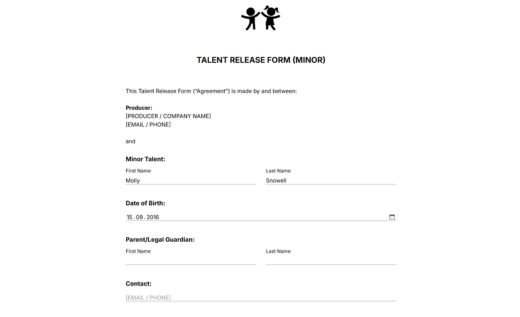
A talent release form is a document that collects signed permission from an actor, model, interviewee, or other participant before using their name, image, likeness, voice, and performance in a creative project. It is especially useful for filmmakers, video producers, photographers, and content creators.
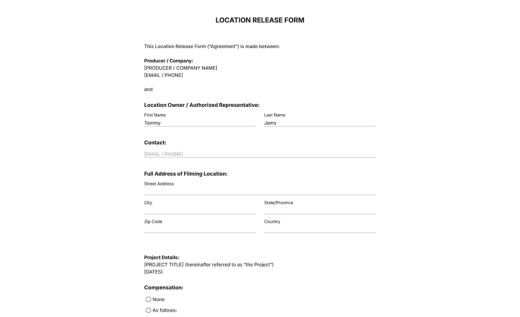
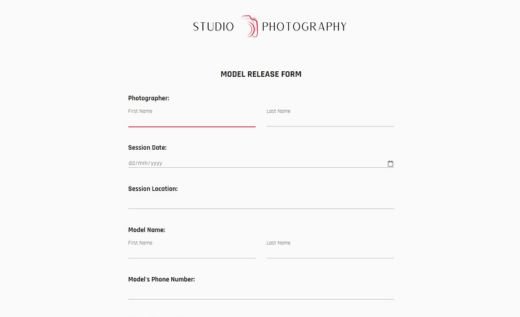
AidaForm’s template on this page is a ready-to-use document developed with input from people who actually collect talent releases. The fields and wording match how these forms are used in real production work and cover everything from producer details and project information to compensation, editing rights, and permission to use the recorded material for production and promotion.
Customize the template in AidaForm and collect signed talent releases online before production or directly on set. Signed forms will be safely stored in your AidaForm account on servers in the USA or EU and can also be downloaded as PDF files for recordkeeping. If you need offline release collection, you can also download the same talent release form as a blank PDF document for free.
Common questions about using AidaForm release templates
Can I edit this talent release form template?
Yes. You can customize the online template in AidaForm. Create an AidaForm account, open the template, and edit it in the Form Builder. You can add your logo and project details, update the release wording, adjust the participation terms, and add or remove fields. When the form is ready, publish it online to collect signed releases digitally.
Need a PDF copy of your edited form? Preview the finished online version and save it as a PDF through your browser’s print menu. For step-by-step instructions, see AidaForm’s guide on saving an online form as a PDF.
How does the online Signature field work?
The AidaForm Signature field lets talent sign the release electronically with a mouse, touchscreen, trackpad, or stylus. The signature is saved together with the submitted form, so the completed record includes the release wording, project details, participation terms, signature, and submission date.
If you update the online form later, existing submissions stay as they are. This helps you keep a clear record of what each person reviewed and signed at the time of submission.
Should I use the online talent release form or the PDF?
For most productions, the online form is the more convenient option. You can edit it, send it, collect signatures, and keep completed release forms organized without printing or scanning. It works well before production, on set, or anywhere talent can sign on a phone, tablet, or laptop.
Print the blank PDF form when you need offline collection and handwritten signatures. The paper form is also useful as a backup on set for people who have not signed the online form before the shoot.
Is AidaForm safe for collecting talent release forms?
Yes. AidaForm forms are submitted over an encrypted HTTPS connection, while completed responses are stored in a password-protected user account. This helps collect and keep signed talent release forms in one secure place instead of managing email attachments or scanned files.
AidaForm follows up-to-date technical security standards for form data collection and storage. You can find details in AidaForm’s Privacy Policy.