Student Media Release Form Template
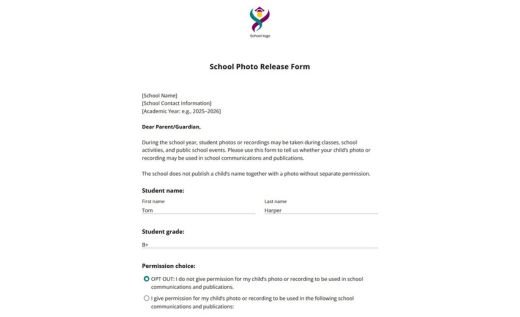
A student media release form is a document where a student gives a university, college, or other educational institution permission to use their name, photo, video, voice, likeness, or recordings in institutional communications and promotional materials.
AidaForm’s student media release template is designed for colleges, universities, admissions teams, marketing departments, and communications offices that need a consistent way to collect student media permissions. This template is intended for students who can sign on their own behalf, without a parent or guardian signature. It includes commonly used sections of a media release:
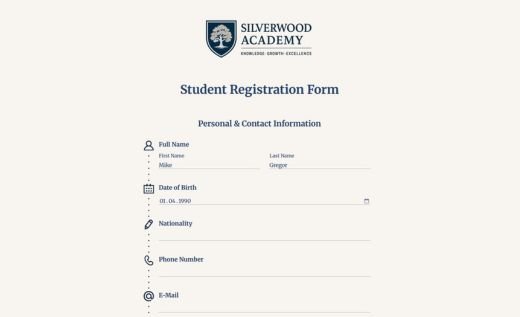
- student name, program or faculty, and email address
- permission and opt-out options
- permitted channels like websites, social media, printed materials, recruitment, press, and fundraising campaigns
- terms of the release, including voluntary participation and withdrawal requests
- student signature and date
You can use the online form to collect signed student permissions digitally, keep responses organized in your AidaForm account, and download completed submissions as PDFs when needed. You can also print a blank PDF version of the same template for in-person collection.
Use AidaForm’s student media release form online or as a PDF
👉 Use the online media release form when a university or college needs to quickly collect permissions from students without handling paper forms. Students can complete the form on a desktop or mobile device, choose whether they give permission, select the permitted channels, and sign electronically. Signed responses are stored in the AidaForm account and can be downloaded as PDFs. If the online template is updated later, previously submitted releases remain unchanged, so each record shows the exact version the student signed.
👉 Download and print the blank PDF form when permissions are collected offline during an event, photo shoot, interview session, or other in-person activity. The PDF version is also useful when a handwritten signature is required by internal policy, applicable regulations, or institutional procedures.
How to customize this student media release template
- Create an AidaForm account and click the Use This Template button to open the template in the Form Builder.
- Replace the placeholder text with the university name, department contact details, and any specific details required by the institution.
- Edit the permitted channels to match how the institution uses student media.
- Review the release wording against the institution’s media policy, student privacy requirements, and applicable legal requirements in the relevant region.
- Publish the form online, share it by link, or embed it on a webpage. Save the customized version as a PDF if needed.