Software Usability Survey Template
A software usability survey is a short questionnaire that collects user feedback on how easy and effective a product is to use. Teams run it after launch, after updates, or on a recurring basis to track whether usability is improving over time. It helps collect improvement ideas and make smart changes based on user suggestions.
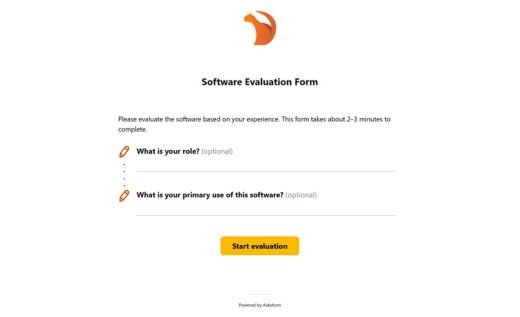
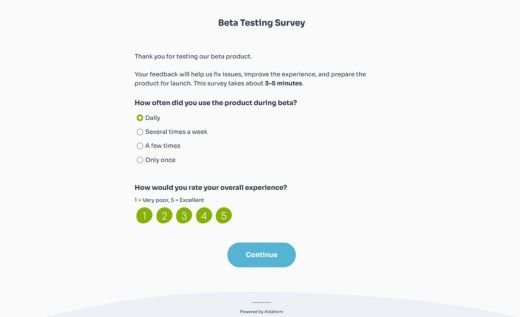
This AidaForm template takes under two minutes to fill out and still gives you actionable results:
- Built around a research-backed usability metric — a simple two-question scale that produces a UMUX-Lite score
- Additional ratings that help evaluate workflow friction and error handling
- Open feedback for comments and suggestions that explain the scores
Add the template to your AidaForm account, swap “software” for your product name, add your logo, and publish.
Understanding your UMUX-Lite score
What is the UMUX-Lite score?
UMUX-Lite (Usability Metric for User Experience, Lite version) is a compact, commonly used usability score that shows whether users feel the software does what they need and whether they can use it without friction. It is based on two short agreement questions. Users rate each statement on a 1–7 scale, where 1 means “Strongly disagree” and 7 means “Strongly agree”:
1. The software’s capabilities meet my requirements.
2. The software is easy to use.
The answers are converted into a 0–100 score that helps you track usability over time, compare versions, and see whether product changes improve or hurt the user experience.
Here is the formula used to calculate the score:
((Q1 − 1) + (Q2 − 1)) × 100/12
If a respondent answers 7 on both questions, the score is 100. If they answer 1 on both questions, the score is 0.
How to read the result
Use the ranges below as a practical interpretation guide:
Below 50 — Users are struggling. The software feels hard to use, doesn’t meet their needs, or both. This range calls for immediate attention before the issues affect adoption or retention.
50 – 70 — The software is functional but not smooth. Users get things done, but something is getting in the way. Look at the individual question scores to see whether the friction is about capability or ease of use — they suggest different solutions.
70 – 80 — Solid result. Users are generally comfortable with the software and feel it works for them. Focus on the open feedback to find specific rough edges worth polishing.
Above 80 — Users find the software both easy and well-suited to their work. Scores in this range are worth protecting — rerun the survey after any major change to confirm you haven’t slipped.
When possible, compare your score with relevant usability benchmarks, but for ongoing product work, your own trend over time is often more useful.
Use the UMUX-Lite score to understand the size of the usability issue, then read the open feedback included in AidaForm’s template to decide what to fix first.