Software Evaluation Form Template
A software evaluation form is a structured survey used to assess software products based on specific criteria such as usability, features, performance, and support. It works well for comparing solutions, internal reviews, vendor selection, and collecting structured input during testing or onboarding — anywhere you need consistent, objective data to support decision-making.
This AidaForm template is designed around practical software evaluation workflows and helps you collect clear, comparable results in a simple and efficient way:
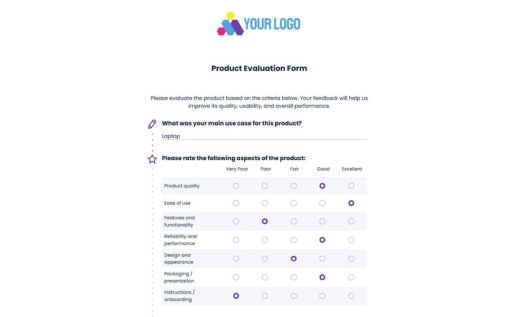
Matrix-based evaluation structure organizes key areas such as setup, usability, features, performance, and support into clear rating groups, ensuring nothing important is overlooked and results are easy to compare.
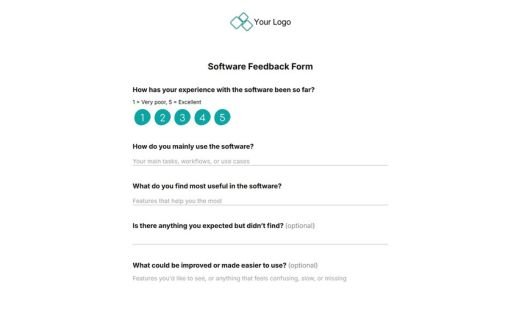
Supporting questions for context — including role, use case, and optional open-ended comments — help you interpret results and understand how different users experience the software.
Click Use This Template to access the form, adapt it to your evaluation process, and publish it wherever you need — with secure, GDPR-compliant data handling.
How to set up this software evaluation template
Add the template to your account.
Click Use This Template and the form will appear in your AidaForm dashboard for immediate editing. If you’re not logged in, the system will ask you to sign in or create a free account, which grants access to essential tools like form fields, design settings, and response storage.
Edit fields and structure of your questionnaire.
Open the Builder tab to adjust the content. You can rewrite, reorder, add or remove any questions. The Form Elements panel provides ratings, scales, sliders, matrices, text fields, and page breaks. These options help you create a focused evaluation flow.
Adjust the design to fit your branding.
In the Form Designer tab, set your brand colors, choose fonts, customize buttons, and define the layout. You may upload a logo to maintain a unified visual style. Use Preview to confirm that the form remains clean and readable from the respondent’s point of view.
Set up integrations and notifications.
In the Set Up tab, configure how you want to collect and manage responses. You can enable email notifications, connect your form to Google Sheets, or send data to other tools via Zapier. This helps you automatically organize and use evaluation results in your workflow.
Publish, share and collect responses.
When the form is complete, go to the Publish tab and enable the Published status. You’ll get a link to share or an embed code for your website. All responses appear in the Results tab, where you can review, filter, and export data.