Release Form Templates
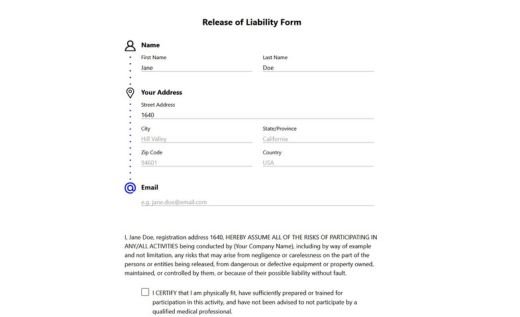
By signing a release form, a person gives you permission to use their photo, video, voice, property, or artwork - that’s what most templates on this page are for. Release of liability (waiver) forms work with a different kind of agreement: the signer accepts an activity’s risks and waives injury claims. You’ll find those in the last subcategory.
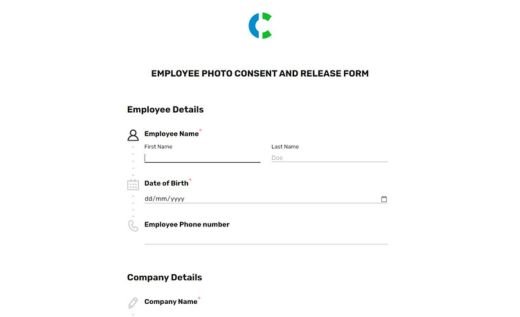
Every template here was shaped with input from people who actually collect these forms - photographers, school administrators, event organizers - so the fields and wording match how releases are used in practice. Still, each example is fully customizable: add your logo, edit the release terms, or split consent into separate checkboxes so people can agree to publication but decline, say, social media use.
Forms are signed online with a stylus, mouse or a finger on a Signature field and work on any device. You can share a link, post a QR code at your event, or embed the form on your site. Submissions are stored securely in your AidaForm account, and each signed release can be downloaded or printed for your records. Prefer paper? Any template can also be saved as a blank PDF and handed out the old way.
Browse release templates by category: Photo & Video Releases Releases for Schools & Minors For Photographers & Artists Media Production Releases Liability Waivers
Photo & media release forms for schools and minors
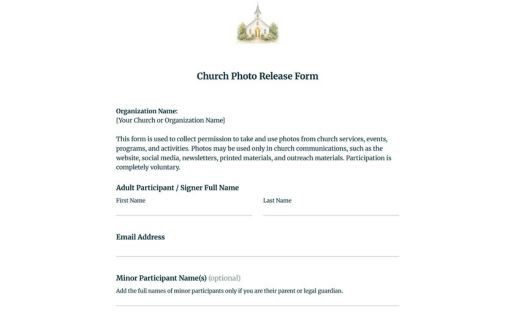
Release templates for schools, daycares, and youth programs that need a guardian’s permission to photograph or film children.
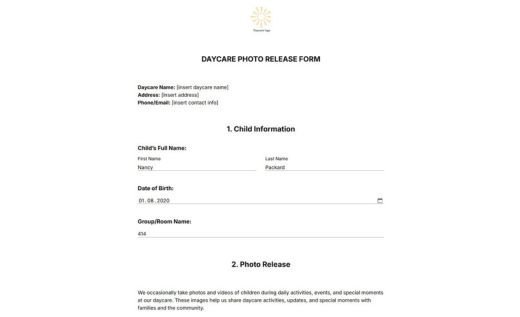
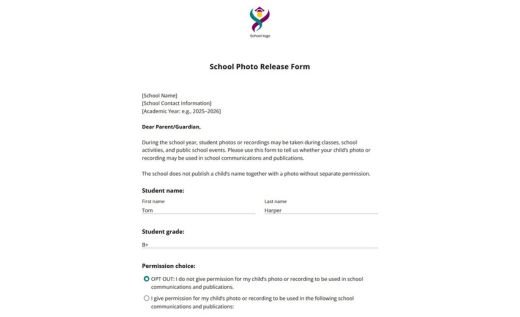
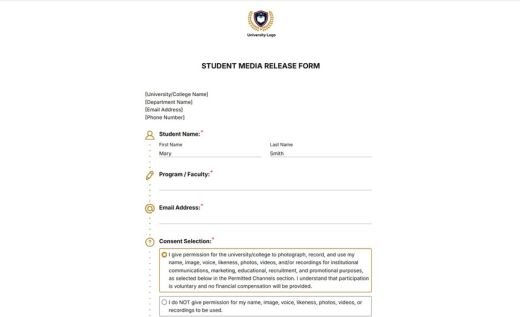
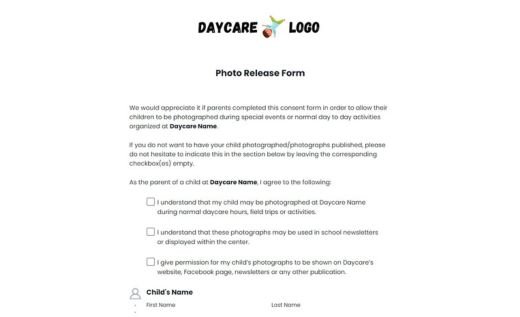
Photo & video release forms
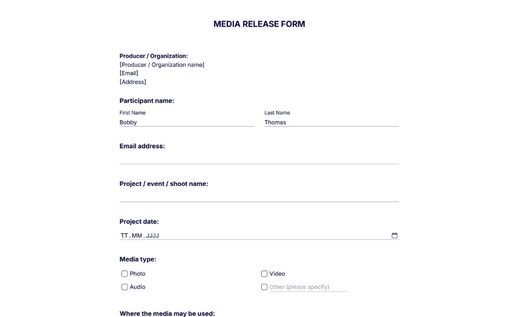
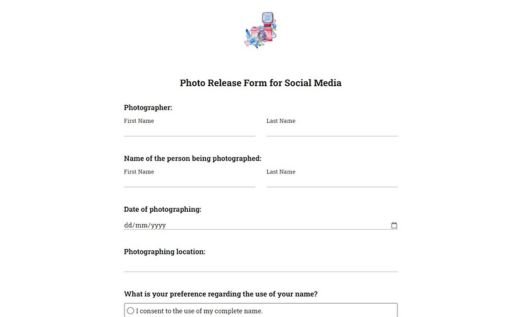
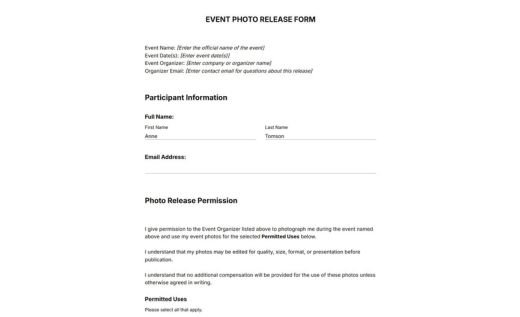
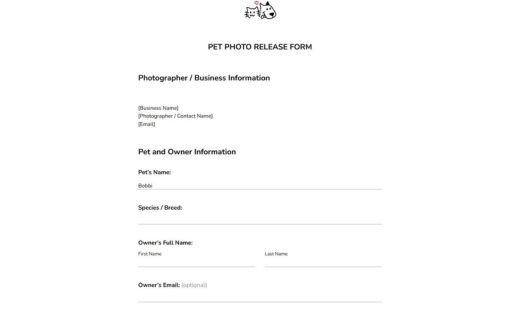
General media release templates for events, organizations, and businesses that publish photos and videos of people (and pets).
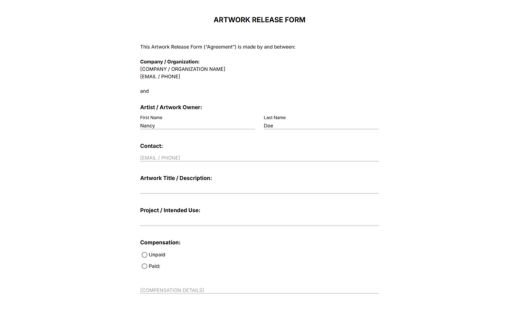
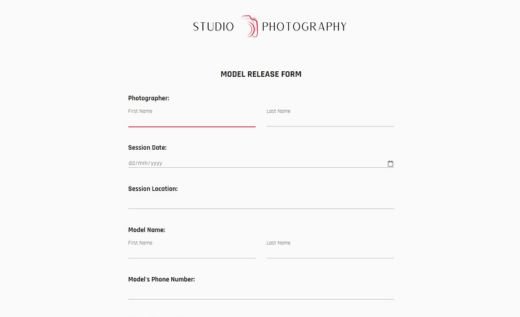
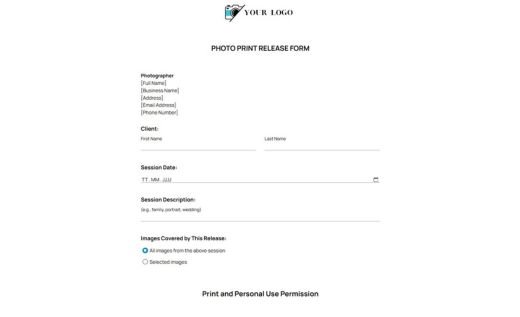
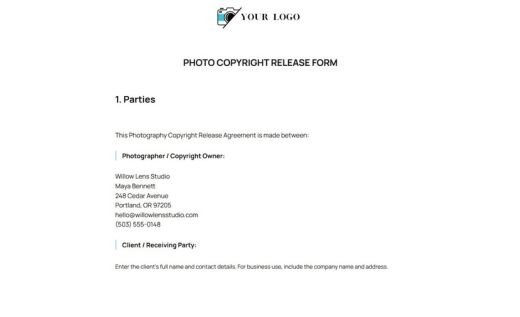
Release forms for photographers and artists
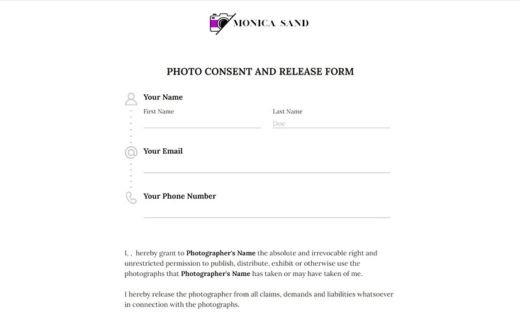
Business release templates for photographers and artists that define how photos and artwork may be used, printed, and reproduced.
Media production release forms
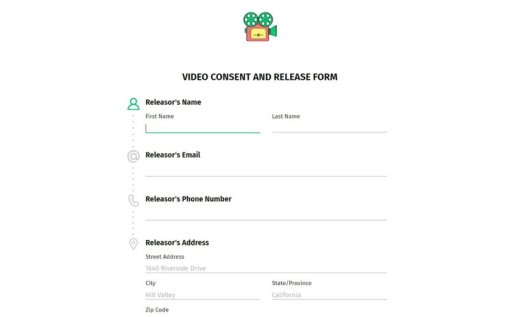
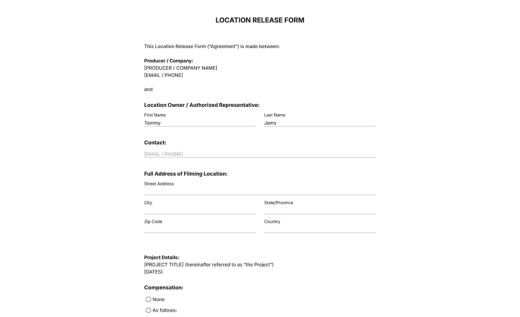
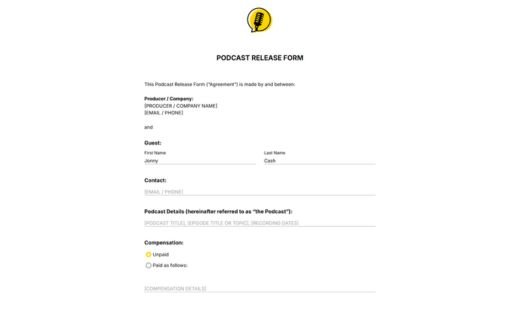
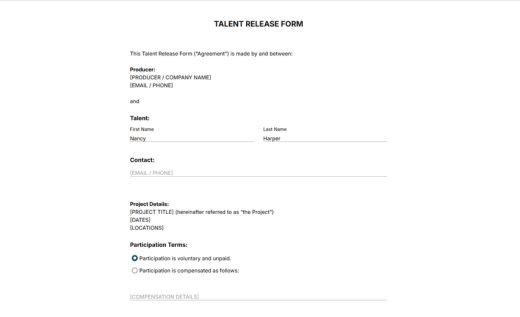
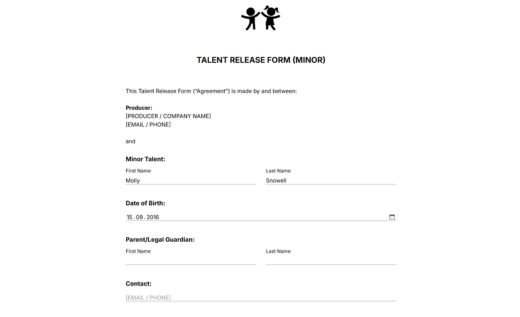
Templates for podcasters, filmmakers, and video producers to record and publish talent performances, guest interviews, and footage shot on private property — including parental consent for minor performers.
Release of liability (waiver) forms
Waiver templates for activity providers whose participants accept the risks of taking part.
Common questions about release forms and signatures
How does the Signature field work?
To sign a form, the respondent draws their signature in the Signature field - with a finger on a phone or tablet, or with a mouse or stylus on a computer. Once the form is submitted, the signature is locked together with the exact date and time of submission; neither the form owner nor the respondent can alter the record afterwards. Drawn e-signatures are commonly accepted for consent and release documents, though we recommend confirming that your jurisdiction and industry regulations recognize this signature type for your specific use case.
Is AidaForm safe for collecting release forms?
Yes. Forms run over an encrypted HTTPS connection, and every submission is stored in a password-protected AidaForm account that only the account owner can open. We follow current technical security standards for data collection and storage - the specifics are described in our data protection policy.
Can I edit and customize release form templates?
Yes. Every example is a starting point and you can change the wording of the release terms, add or remove fields, split consent into separate checkboxes, and add your logo. The template becomes your own form in your account.
Do I need a guardian’s signature for minors?
Yes. If the person being photographed or filmed is under 18, a parent or legal guardian must sign the release on their behalf. The templates in the Schools and Minors section already include the guardian’s name and signature fields, so you don’t need to add them yourself.
What happens after someone submits a response?
You receive an email notification, and the signed release appears in your AidaForm account, ready to download as a PDF whenever you need a copy. You can also enable an automatic confirmation copy for the signer - practical when parents or clients want the signed release for their own records.