Presentation Feedback Form Template
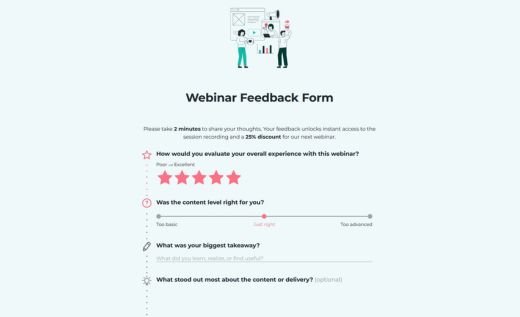
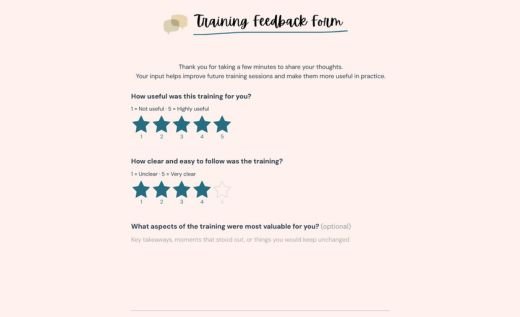
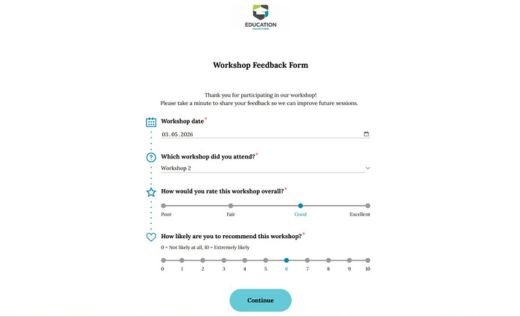
A presentation feedback form is an online survey used to collect audience reactions, comments, and suggestions after a presentation. It helps speakers, teachers, trainers, event organizers, and teams understand what attendees found useful, what felt unclear, and what could make future presentations better.
This template combines quick rating fields with open-ended questions, so respondents can share both simple scores and more detailed comments. You can edit the questions, add your logo, adjust the design, and publish the form in the AidaForm Builder — no coding needed.
Share the form by link, embed it on your website, or send it after your presentation to collect responses from any device. Review feedback securely in your AidaForm account and export results when you need them for reporting or follow-up.
Presentation feedback vs evaluation: choose the right form
People often use “feedback” and “evaluation” interchangeably, but they are not exactly the same. Here’s a quick explanation of the difference, plus tips on when to use each type of form.
👉 Presentation feedback is about collecting audience reactions, comments, and suggestions in their own words. Use the presentation feedback form on this page when you want to understand what attendees found useful, what could be improved, and how the presentation felt from the audience’s point of view.
Use this template for:
- audience comments after a talk or webinar
- suggestions for improving future presentations
- simple post-presentation reactions
- open-ended feedback from students, attendees, or colleagues
👉 Presentation evaluation is about assessing a presentation against specific criteria, such as content quality, structure, delivery, timing, and Q&A handling. Evaluation forms usually use rating scales and matrix fields to produce structured, comparable results.
If you need structured scoring, check AidaForm’s Presentation Evaluation Form Template.