Photo Release Form Template
A photo release form is a legal document where the person photographed gives an individual photographer, business, or organization permission to use photos of themselves for personal or commercial purposes. It helps clarify where and how the photos may be used, reducing misunderstandings, disputes, and legal risks.
AidaForm’s photo release form template includes the sections commonly used in photo releases for adults: details of the person photographed, the photos covered by the release, allowed photo uses, optional restrictions and compensation terms, release agreement language, date, and signature.
You can use the online version to collect completed release forms electronically, or download the fillable PDF and print it whenever paper forms are needed. Both versions include the same fields, consent statement, and signature section.
Below on this page: use-specific photo release templates · online and PDF workflows explained · customization guide · FAQ
Photo release templates for specific uses
Different photo release situations require different wording depending on who signs the form, who receives permission, what type of media is being used, and where the photos or recordings may appear. AidaForm’s photo release and consent form templates cover the important permission details for each scenario, so you can start with a ready-made form instead of rewriting a general release from scratch.
If you need a use-case-specific photo release form, choose the template that best matches your situation from the list below.
For photographers and photo studios
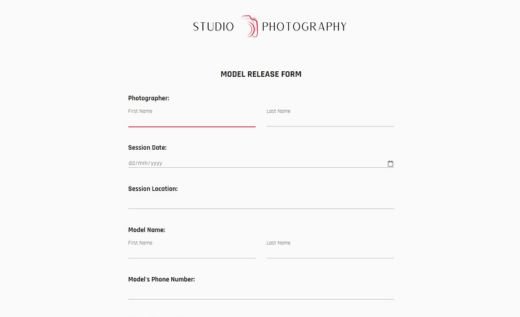
Professional photographers and photo studios should document image-use rights before photos are published, printed, licensed, or used for promotion. Clear release forms help protect the business, set expectations with clients and models, and reduce the risk of disputes over commercial use and copyright.
A model release clarifies how the person’s image may be published, promoted, licensed, or used commercially.
A photographer gives a client permission to print delivered photos for personal use. This is usually for clients who want to print wedding, family, portrait, or event photos while the photographer keeps the copyright.
Unlike a print release, a copyright release can allow commercial use, publishing, marketing, editing, resale, or other rights depending on what the agreement says.
Minor release forms, school and daycare templates
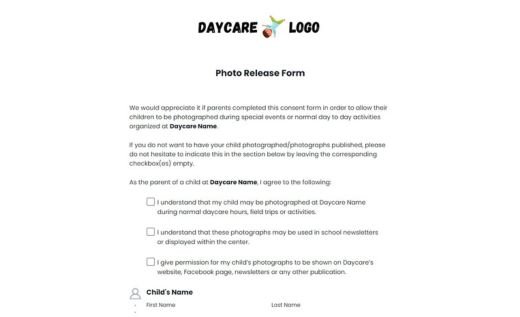
When the person photographed is a minor, the consent and release usually need to be signed by a parent or legal guardian. Use the general minor photo release template for broad situations, or choose a school- or daycare-specific version.
Special use cases: social media, employees, events, and more
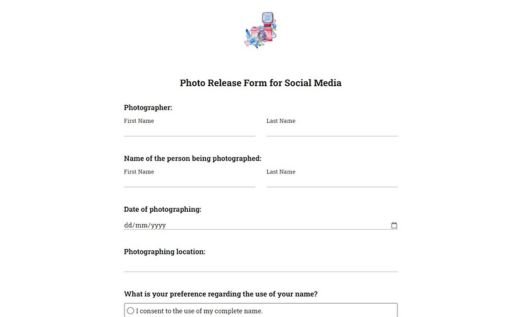
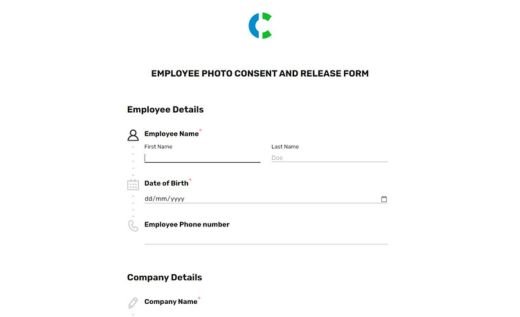
Some photo release situations need more specific wording because they are built around a particular publishing channel, workplace, organization, event, community, or subject.
Release forms for video and other media
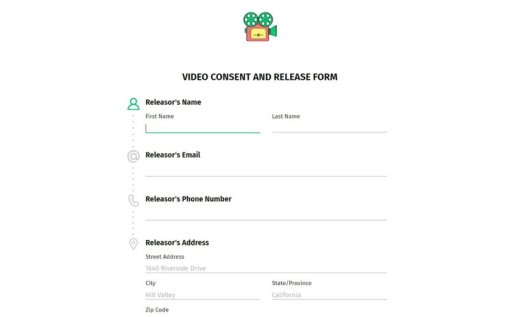
Use these templates when the release needs to cover more than still photos, such as video footage, audio, interviews, recorded likeness, or multiple media formats in one agreement.
Use online forms, signature fields, and PDFs in AidaForm
AidaForm supports several ways to use the same photo release template:
☑ Use an online photo release form with a signature field to keep the whole process digital. Publish the form and share it with clients, models, or event participants by link, or embed it on your website.
☑ Save completed online forms as PDF files when you need printable records. This way, you can keep a paper archive and, if needed, collect a handwritten signature on the printed form instead of using the electronic signature field.
☑ Download and print the blank PDF template that AidaForm provides for free. Useful when you need to collect and sign photo releases fully offline, on site, and in person.
The online and PDF versions of the AidaForm photo release form template include the same fields and release wording, so you can keep a consistent process regardless of how forms are collected.
Should I use an online photo release form or a PDF?
For most everyday photo release workflows, an online form is usually the better option. It is convenient to edit, send, sign, and store. People can read and complete it before the shoot or event, and you do not need to print, scan, or manually organize paper forms.
Use a PDF or printed version when you need offline collection, or when local rules require paper documents or specific signature handling. If you are not sure whether an electronic signature is accepted for your situation, check the rules in your location or consult a legal professional.
How AidaForm’s signature field works
AidaForm’s e-signature field lets respondents sign a form electronically with a mouse, touchscreen, trackpad, or stylus. The signature is saved as part of the submitted response and appears in the completed form record.
If you download the submission as a PDF, the signature is included in the PDF file. This makes it easy to keep a signed copy of each completed photo release.
Each submitted response stays tied to the form version the person completed. If you later edit the template or change the release wording, previously submitted forms remain unchanged, so you keep an accurate record of what the signer agreed to at the time of submission.
Create a free photo release form or add a signature field with the Expert plan
AidaForm’s free plan lets you create unlimited forms and add as many form elements as you need, including personal data fields, custom agreement text, consent checkboxes, and release wording.
You can collect up to 100 responses per month for free, receive email notifications for new submissions, and download completed forms as PDF files when needed.
If you want to collect electronic signatures or increase your monthly response limit, you can upgrade to the Expert plan. Contact AidaForm support to get a free two-week trial and test the paid features.
How to customize this photo release form template
Start with the ready-made form sample, adjust the design, wording, and fields for your situation, then publish the form online and save an updated PDF version if needed. AidaForm Builder doesn’t require technical skills and works with simple drag and drop.
Create your AidaForm account.
Create an AidaForm account to open the template, edit it, and safely store submitted release forms.
Edit the form content.
Use the Form Builder to customize the release form. You can change the logo, edit the agreement text, add or remove fields, adjust answer options, and make the form match the exact photo-use permission you need to collect.
Adjust the design.
In the Form Designer, you can change colors, fonts, and other visual settings if you want the form to match your photography studio, business, school, or organization’s brand.
Publish the form online.
When the form is ready, open the Publish section. You can share the form with clients or participants as a direct link, or embed it on your website using the ready-made embed code.
Save the customized form as a PDF. (optional)
Need a printable version after editing the template? Open the finished form preview and use your browser’s print options to save it as a PDF. The saved PDF will reflect the changes you made to the text, fields, and design.
For detailed steps, see AidaForm’s guide on saving an online form as a PDF.
Photo release forms FAQ
What is a photo release form?
A photo release form is a legal document where the person photographed gives another person, business, or organization permission to use photos of themselves. It states who gives permission, who receives permission, which photos are covered, where the photos can appear, and whether any restrictions or compensation terms apply.
When do you need a photo release form?
You need a photo release form when photos of a recognizable person will be published, shared, printed, promoted, or used for business, marketing, portfolio, media, or public communication purposes. A signed release helps document that the person photographed agreed to the specific photo use described in the form.
Who signs a photo release form?
In a standard adult photo release, the person photographed signs the form. If the person photographed is a minor, the form usually needs to be signed by a parent or legal guardian.
For print releases or copyright releases, the photographer or copyright owner signs because they are giving the client permission to print, use, or license the photos.
What should be included in a photo release form?
A photo release form should clearly identify the permission being given and the photos covered by that permission. A typical photo release form includes:
- name and contact details of the person photographed;
- name of the photographer, business, or organization receiving permission;
- description of the photos covered by the release;
- allowed photo uses, such as website, social media, print, advertising, or public reports;
- any restrictions on how the photos may be used;
- compensation terms, if any;
- release agreement language;
- date of signing;
- signature of the person giving permission.
For online forms, it is useful to include consent checkboxes, multiple-choice fields for allowed photo uses, and a required signature field so the completed release is easy to review and store.
Do I need a separate photo release form for minors?
Yes, use a minor photo release form when the person photographed is under legal age. The main difference is the signature: a parent or legal guardian usually signs on behalf of the minor. For schools, daycare centers, camps, clubs, and student activities, use a template that is written for that setting instead of adapting a general adult release.
Can a photo release form be revoked?
A photo release form can be changed or ended only according to the terms written in the form. If the form says the permission does not expire unless otherwise agreed in writing, then the signer and the photographer, business, or organization need a written agreement to change or end that permission later.
The release form should also explain what happens to photos that have already been published before permission changes. For example, the agreement can state whether existing website pages, printed materials, social media posts, or campaign materials must be removed, can remain in use, or will be handled case by case.
Is a photo release form the same as a photo consent form?
Not exactly. A photo consent form records agreement to a specific action: taking photos, recording someone, or using their photo in a stated way. A photo release form gives permission to use the photos and usually includes language releasing the photographer, business, or organization from claims related to that permitted use.
Many real-world forms combine both consent and release language in one document.
What is the difference between a photo release form, a photo permission form, and a photo waiver?
The exact wording depends on the situation, but these terms are closely related and often overlap in everyday use.
A photo release form gives permission to use a person’s photo and usually releases the photographer, business, or organization from claims related to the permitted use.
A photo permission form is a simpler, plain-language term for the same basic idea: someone gives permission for photos to be taken or used.
A photo waiver usually emphasizes that the signer gives up certain claims related to the permitted photo use.