Photo Print Release Form Template
A photo print release form is a legal document that a photographer signs and gives to a client to allow personal use of photos, usually printing and social media sharing, without transferring copyright.
AidaForm’s print release template is a ready-made document with clear release language. It helps you:
- quickly add client, session, and image details
- grant permission for personal printing and social sharing with photographer credit
- protect the photographer’s copyright
- restrict commercial use, resale, editing, and licensing
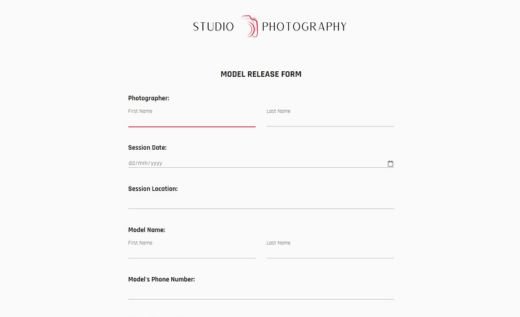
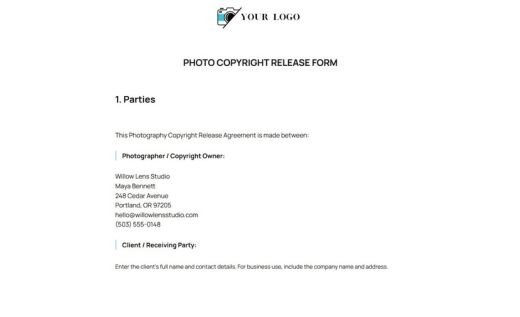
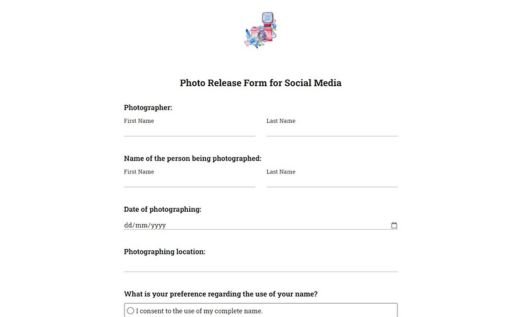
Use the customizable template online with a signature field, or download the printable PDF for free. Both versions of the template include the same fields and release text.
Frequently asked questions
What is a photo print release form?
A photo print release form is a document a photographer gives to a client to allow personal use of delivered photos. It usually lets the client print the images, order photo products, and share the photos on personal social media. The photographer keeps the copyright unless a separate copyright transfer or license says otherwise.
What is the difference between a photo print release and a photo copyright release?
A photo print release gives the client limited permission to use photos for personal purposes, such as printing, albums, gifts, or personal social media sharing. By default, photographers usually own the copyright to the photos they create. Many clients do not realize this, and a print release helps make that clear.
A photography copyright release is broader. It can transfer or license copyright rights and may allow commercial use, publishing, marketing, editing, resale, or other uses depending on the wording.
What should be included in a photo print release form?
A photo print release form should include the photographer or studio name, client name, session date, session description, images covered by the release, permitted personal uses, restrictions, copyright statement, photographer signature, and date.
Common restrictions include no commercial use, no resale or licensing, no editing without permission, no business or promotional use, and no submission to contests, publications, or media outlets unless separately allowed.
Should I use an online photo print release form or a PDF?
Use the online form when you want to quickly enter the client details and description of the images covered by the release. You can keep the signature field in the online version or remove it depending on what signature rules apply where you work.
After the form is completed, you can save the submission as a PDF and send the signed file to the client. You can also print the completed form and sign it by hand if you prefer a paper record.
Use the blank PDF version when you need to prepare and sign print releases fully offline, on site, or without opening the online form builder.
Can I customize this photo print release form in AidaForm?
Yes. You can edit the template in AidaForm Builder without any coding required.
- Click Use This Template to copy the form to your AidaForm account.
- Replace the photographer or studio details and edit the release wording if needed.
- Update the design with your logo, colors, and fonts.
- Publish the form online or save the customized version as a PDF. See AidaForm’s guide on saving an online form as a PDF.
How does the AidaForm e-signature field work?
AidaForm’s e-signature field adds a signing area to the online photo print release form. The photographer can complete it with a mouse, touchscreen, trackpad, or stylus. After submission, the signature is stored together with the completed form data. When you export or save the submission as a PDF, the signature appears in the PDF together with the release text and form details.
Submitted records do not change when you edit the template later. This means each saved response shows the version of the print release that was completed and signed at that time.