Location Release Form Template
A location release form is a document used when a production team needs permission to film or photograph at a specific property. It gives the producer written approval from the property owner or an authorized representative before the location is used in a film, video, photo shoot, interview, commercial, or promotional project.
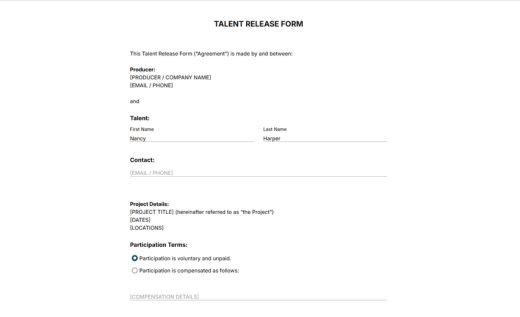
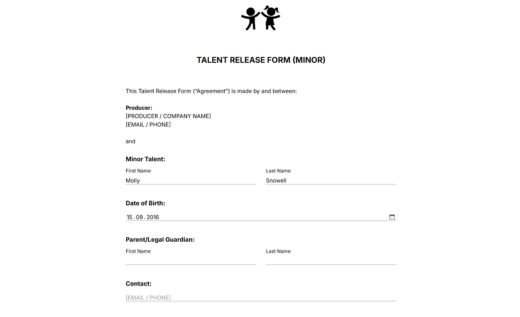
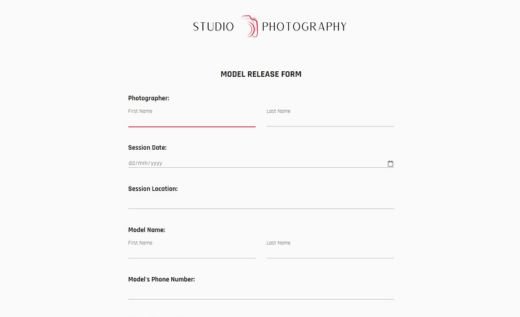
This AidaForm template uses short and clear release language and is ready for practical production work. The form collects all key details in one place: who is producing the project, who owns or represents the location, where and when the shoot is scheduled, whether compensation applies, and how recorded materials that include the location may be used.
Open the template in the AidaForm Builder to adjust the project details, fields, and release terms, then collect signed location releases online before filming or on set. Completed forms are stored in your AidaForm account and can be downloaded as PDF files for your records. For offline collection, you can download the free blank PDF version of the same location release form.
How to use AidaForm templates for location release forms
AidaForm gives you two ways to work with a location release form: download the free blank PDF document if you need a paper form, or use the ready-made online template to collect signed releases digitally. The online version can be customized in your AidaForm account with simple drag-and-drop editing, so you can adapt it to your project before sending it to the location representative. Here are the quick steps to use the online template:
1. Add the sample form to your account
Click the Use This Template button to add the form to your AidaForm account and start editing. If you see a signup screen after clicking the button, create a free AidaForm account first — it only takes a few moments.
2. Edit the form in the Builder
In the Builder section, replace the sample producer and project details with your own information. You can add or remove fields, adjust the compensation section, change the design, and edit the release terms if your production needs different wording.
3. Publish and share the form
When the form is ready, open the Publish section and change the form status so it becomes available by link. Send the link directly to the location owner or authorized representative, or use the embed code to add the form to your website.
4. Access signed records in the secure AidaForm storage
Completed and signed location release forms are stored in your AidaForm account. Once a form has been signed and submitted, that saved record does not change. This means your records keep the exact release terms the location owner accepted at the time of signing, even if you edit the online template later. In that sense, the Signature field works much like a paper form: it keeps the signed version tied to the submitted release.
5. Save an edited online form as a blank PDF (if needed)
Need a PDF form after editing the online template? Save it through your browser’s print menu! For step-by-step instructions, see AidaForm’s guide on saving an online form as a PDF.