Intake form templates
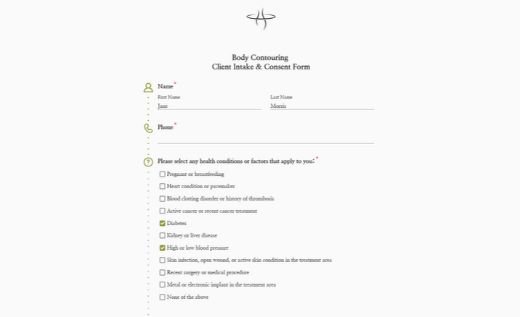
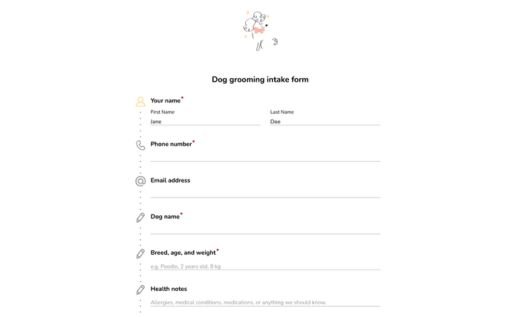
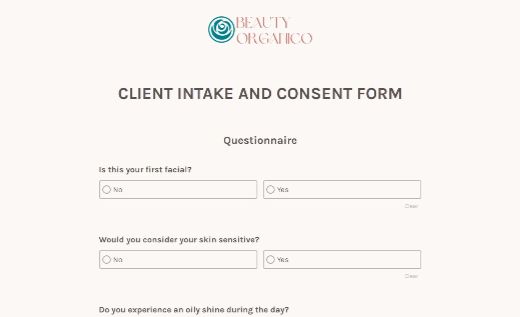
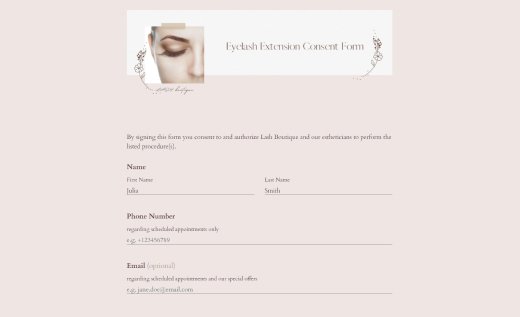
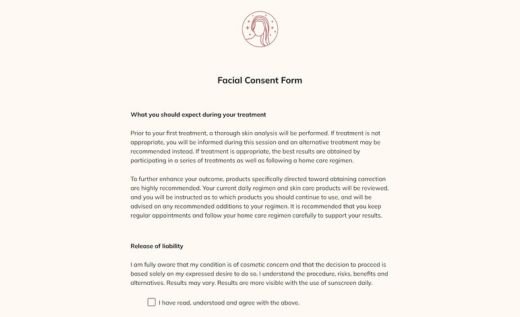
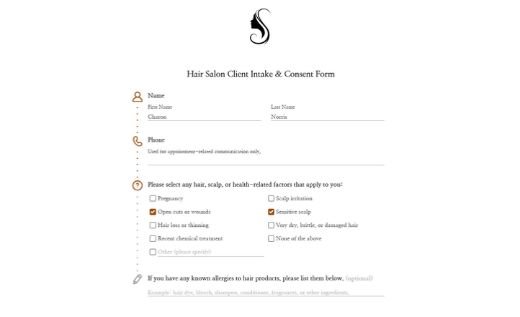
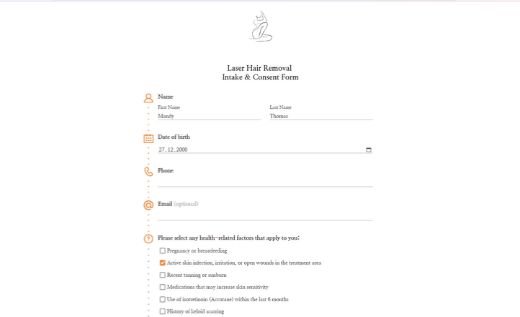
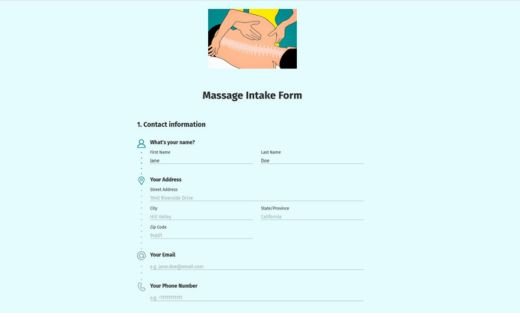
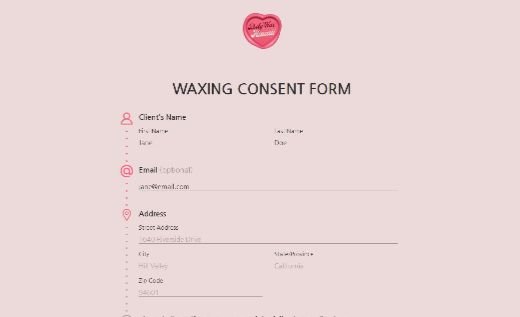
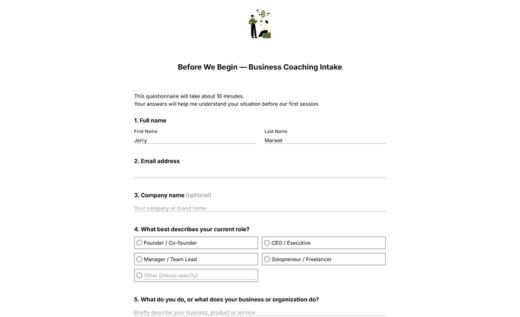
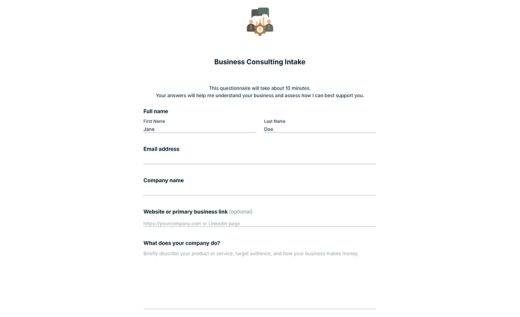
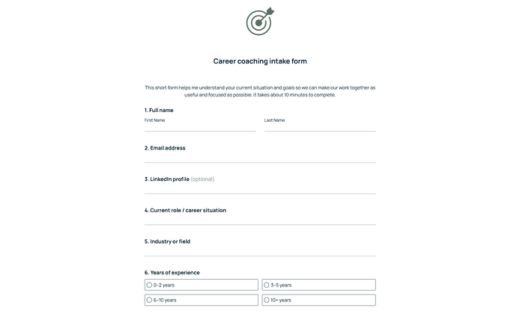
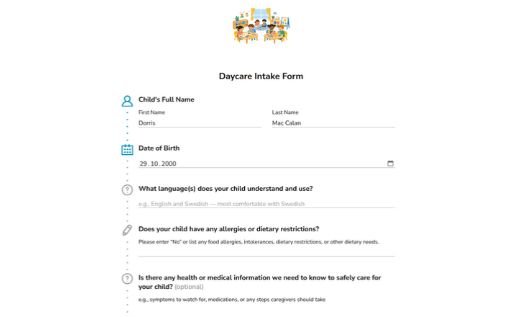
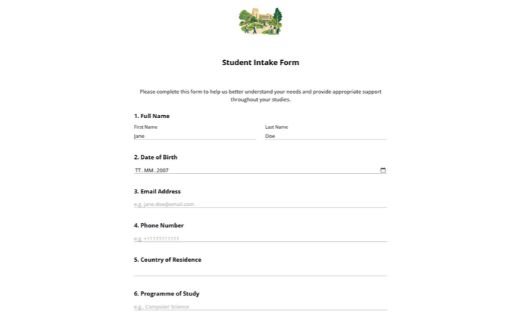
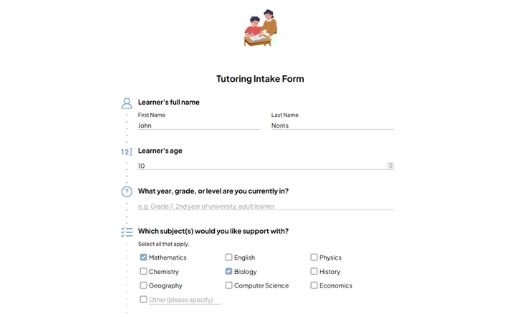
Choose from ready-made intake form templates for client onboarding, patient registration, consultations, coaching, beauty services, education, and many other use cases. Every template is fully customizable, so you can adapt it to your own process in just a few minutes.
Add or remove questions, request contact details, medical history, background information, consent agreements, document uploads, and electronic signatures. Customize the design, confirmation messages, notifications, and follow-up steps without writing code. Share your intake form with a link, embed it into your website, or publish it on your own domain so people can complete it from any device.
All responses are stored securely in your AidaForm account, where you can review, export, print, or automatically send them to email, spreadsheets, CRMs, and other tools you already use. You can also save your customized online intake form as a PDF whenever you need a printable version.
Browse templates by category: Beauty & Health Coaching & Consulting Real estate Accounting & Taxes Business services Event management Education
Further on the page: How to create an intake form Client intake form FAQ
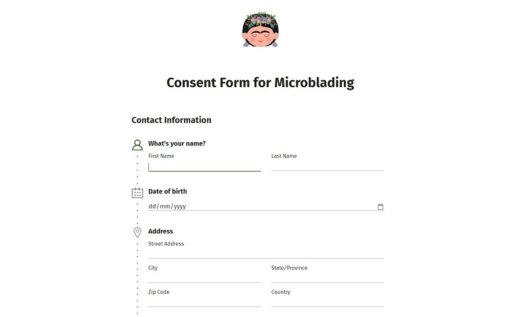
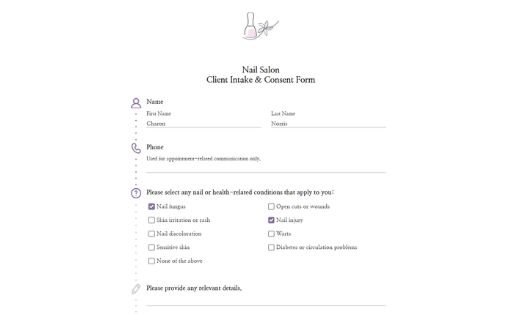
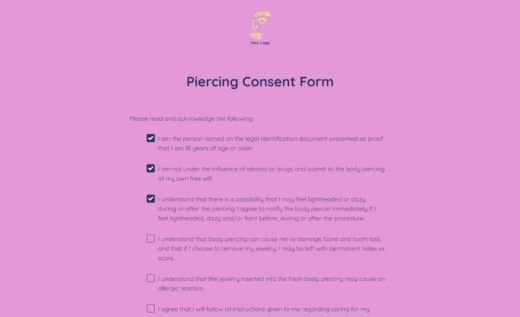
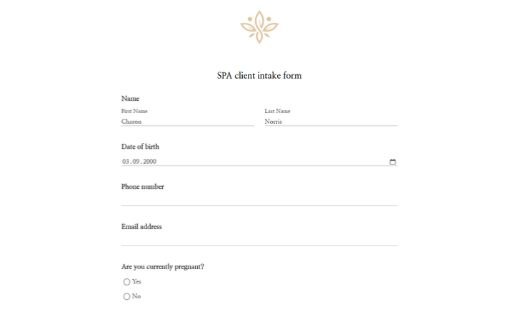
Beauty & Health
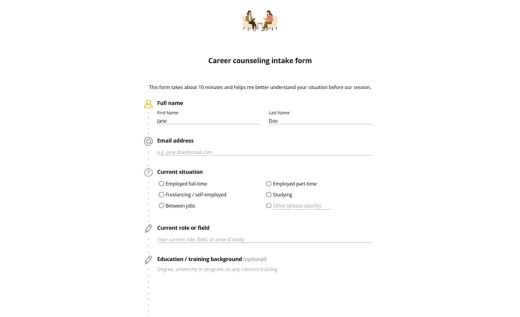
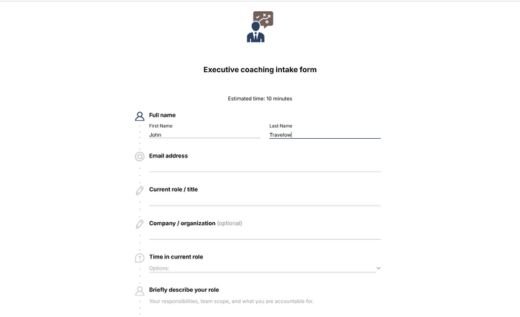
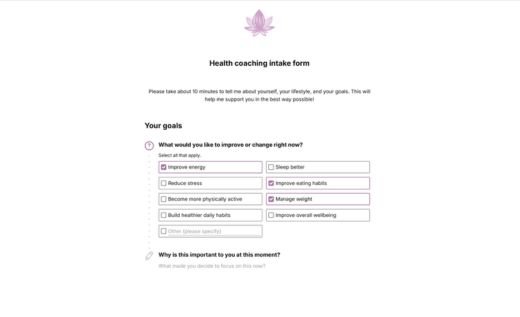
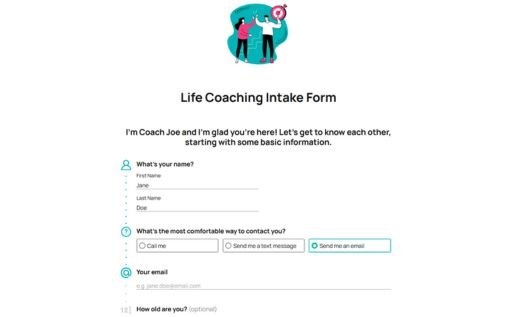
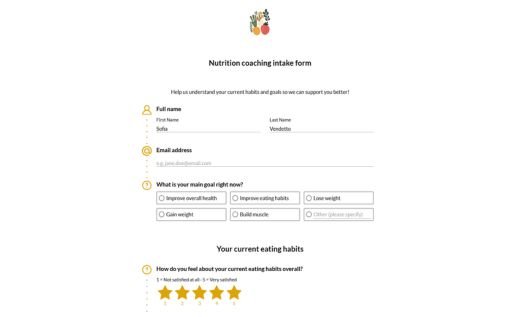
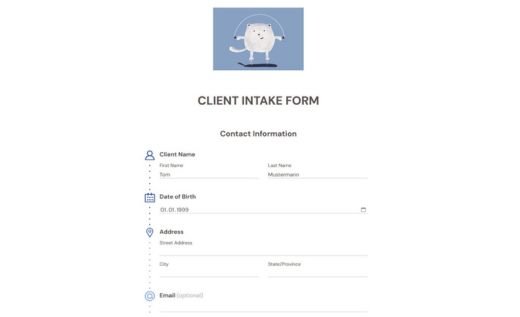
Coaching & Consulting
Real estate

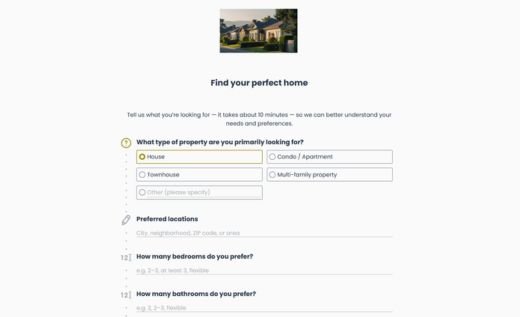

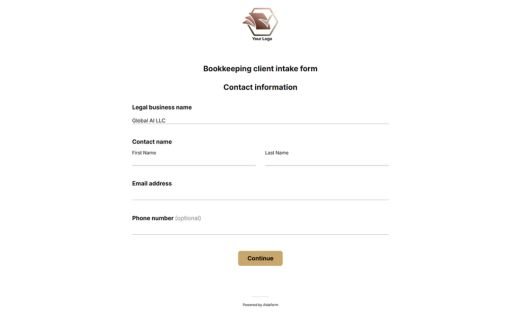
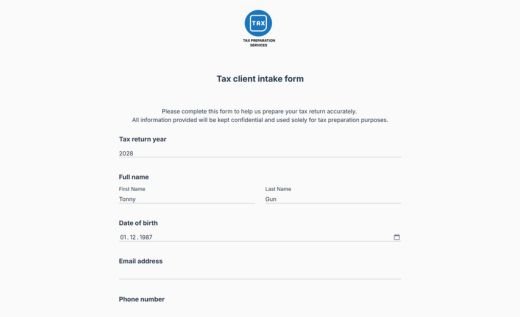
Accounting & Taxes
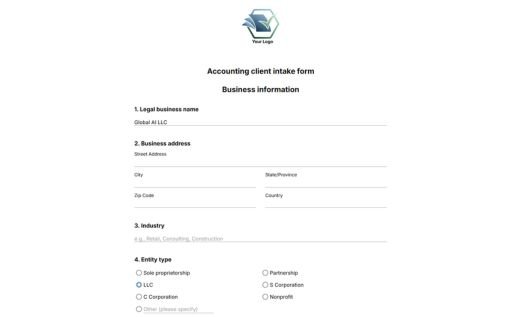
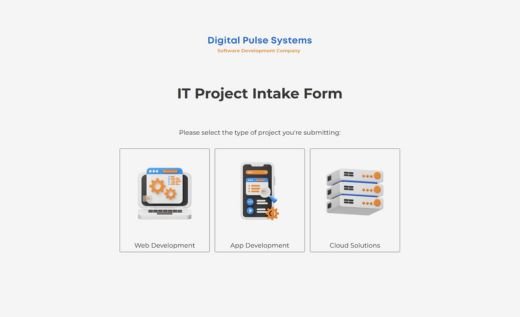
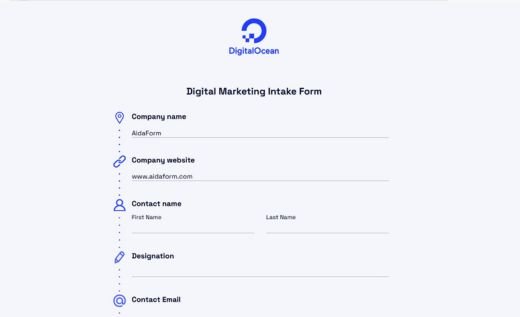
Business services

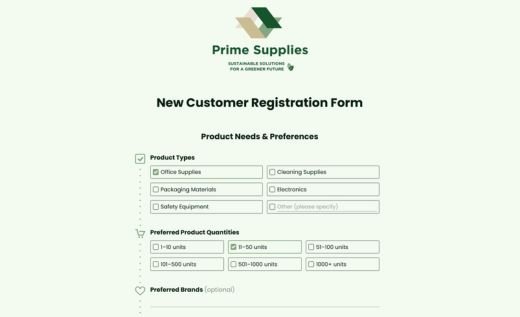
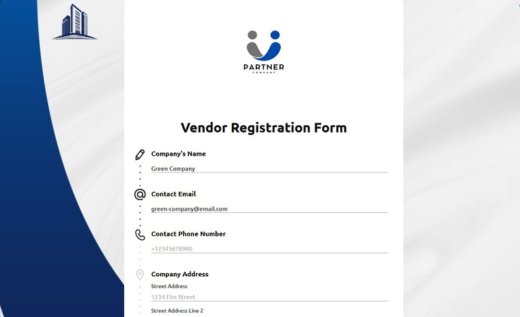
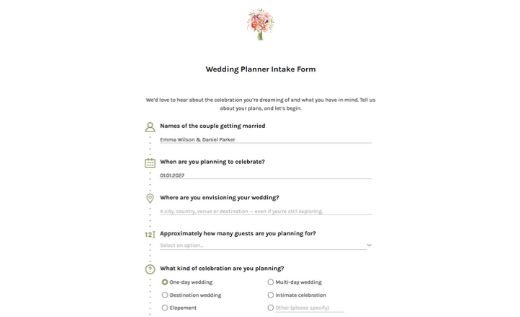
Event management

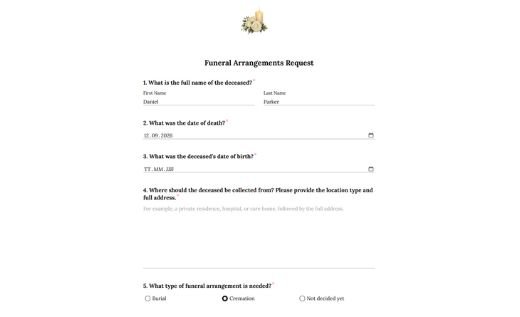
Education
How to create an intake form
Follow these 4 simple steps to create an intake form tailored to your process.Choose a template
Click Use Template and sign in to your AidaForm account. If you don’t have one yet, creating an account takes less than a minute. Your selected template will be added to My Forms, ready for editing.
Customize the questions
Adjust the template to collect exactly the information you need. Edit existing questions, add new fields, remove anything unnecessary, and mark important questions as required. Depending on your workflow, you can also collect uploaded documents, add consent agreements, or request electronic signatures.
Set up your form experience
Add your logo, customize the design, and configure confirmation messages or email notifications. You can also organize longer forms into multiple pages and use conditional logic to show relevant questions based on previous answers.
Publish and start collecting responses
When your form is ready, publish it and share it with a direct link, embed it into your website, or publish it on your own domain. Every submission is securely stored in your AidaForm account and can be automatically sent to email, spreadsheets, CRMs, and other tools you use.
Client intake forms: common questions answered
What is a client intake form?
A client intake form is a questionnaire completed before a new client relationship begins. Businesses use it to understand a client’s needs, prepare for upcoming appointments or projects, and establish a consistent process for every new inquiry. It often serves as the first step in client onboarding and helps reduce back-and-forth communication later.
What information does a client intake form gather?
A client intake form can gather anything needed to evaluate a request, prepare recommendations, or determine eligibility for a service. Depending on the situation, this may include project goals, previous experience, scheduling preferences, budget expectations, service history, supporting documents, emergency contacts, or required acknowledgments. The exact questions vary widely by industry and use case.
Should I combine an intake form and a consent form?
Many organizations combine intake questions and consent agreements into a single form to simplify the process. However, if consent documents are lengthy or subject to specific legal requirements, keeping them separate may be a better option. Browse consent form templates.
When should I ask for an electronic signature?
Electronic signatures are commonly used when participants need to approve agreements, acknowledge policies, provide consent, or confirm that the information submitted is accurate. They are particularly useful for online intake processes where paper forms are impractical.
When should a client intake form be completed?
A client intake form is typically completed before the first appointment, consultation, session, or project kickoff. Collecting information in advance gives you time to review responses, prepare relevant documents, and identify any follow-up questions before meeting the client.
How can I add a client intake form to my website?
With AidaForm, you can embed a client intake form directly into your website using a simple embed code. You can also share the form through a direct link or publish it on your own domain. All templates are mobile-friendly and can be customized to match your website’s branding and design.