Artwork Release Form Template
An artwork release form is a document used to collect permission from artwork owners before photographing, filming, displaying, and publishing the artwork. It is useful for galleries, creative teams, businesses, and website owners who need a signed record before using images or recordings of artwork.
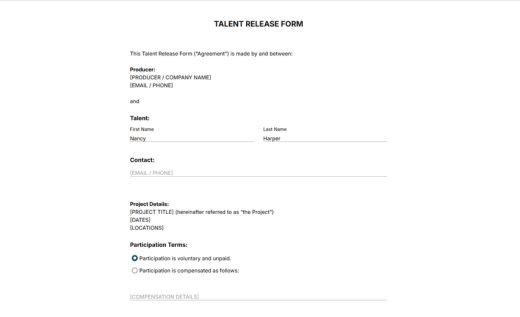
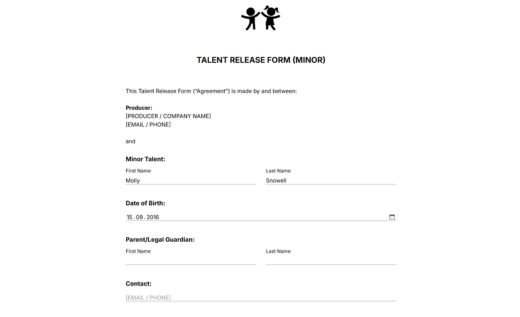
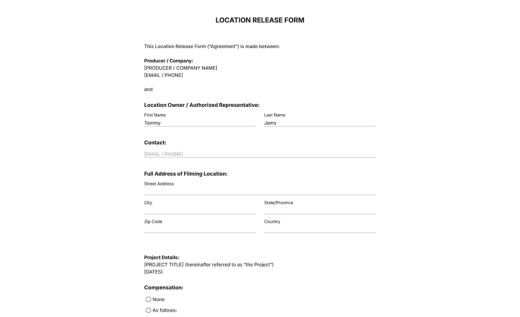
The template below uses short and professional release language for practical artwork permission collection. It includes fields for producer or organization details, artist and artwork information, project or intended use, compensation, clear release terms, and a signature field. The template also states clearly that the release does not transfer ownership of the artwork or its copyright.
Customize the online AidaForm template in the drag-and-drop form builder, publish it, and collect signed artwork release forms online. Completed documents are securely stored in the AidaForm account and can be downloaded as PDF files for your records.
If you need paper forms, you can also download the same artwork release form template as a free blank PDF.
How to use AidaForm’s artist release form template
With AidaForm, you have two ways to collect artwork releases: download the free fillable PDF, or customize and publish the ready-made online template to collect signed releases digitally. Here is how the online version can be easily edited in your AidaForm account:
1. Add the template to your account
Click the Use This Template button to add the artwork release form to your AidaForm account. If you see a signup screen, create a free account first — then you can open the template and start editing.
2. Edit the form in the Builder
In the Builder section, replace the sample company details with your own information, add or delete fields, and edit the release wording if needed.
3. Publish and share the form
When the form is ready, open the Publish section and make the form available online. Send the link to the artwork owner, or embed the form on your website using the ready-to-copy HTML code.
4. Access signed records in the Results section
Signed forms are safely stored in your AidaForm account. Once a form has been signed and submitted, that record does not change — even if you edit the online template later.
5. Save an edited online form as a blank PDF (optional)
Need a paper version after editing the template? Preview the finished online form and save it as a PDF through your browser’s print menu — see AidaForm’s guide on saving an online form as a PDF.