

Feedback survey form examples
Great feedback comes from asking the right questions at the right moment — not from running complex surveys.
AidaForm feedback survey forms are digital forms designed to gather focused feedback on a specific interaction through short, well-chosen questions.
Our templates blend the ease of feedback forms with proven survey elements like ratings, sliders, multiple-choice, matrix questions, and open comments. They’re clearly laid out, feel natural to complete, and adapt with smart question logic when needed.
Pick a template you like, click Use Template, and add it to your free AidaForm Creator account. Customize it in minutes and start collecting responses immediately.
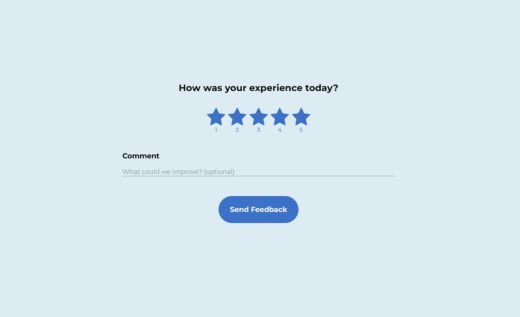
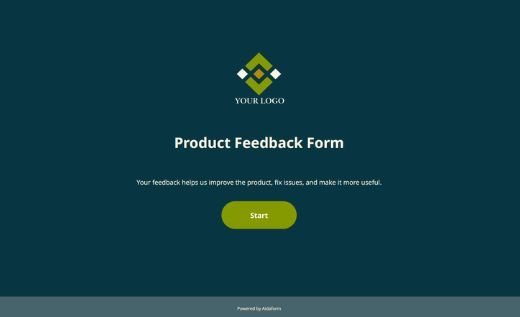
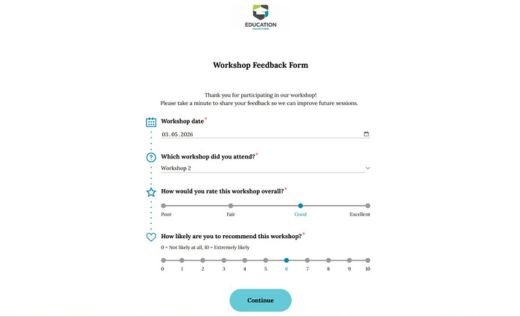
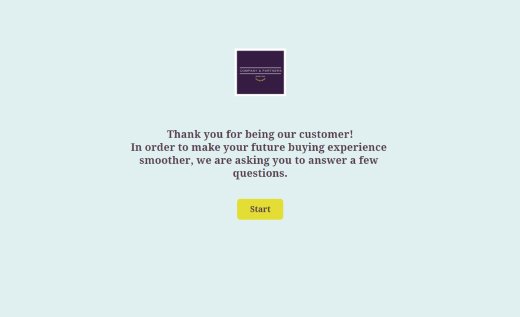
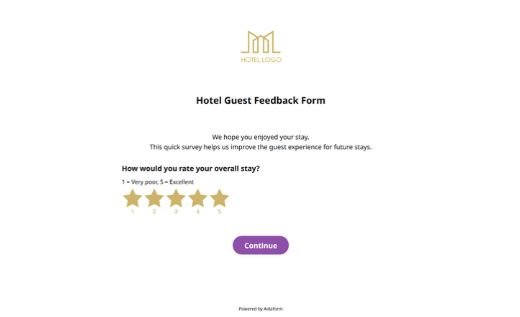
Feedback forms for real-world scenarios
Different moments call for different types of feedback. Whether you’re following up after a purchase, a support interaction, a training session, or an event, choosing the right form helps you collect clearer, more actionable responses.
Below are some of the most common feedback form scenarios — each paired with ready-made templates you can adapt in minutes.
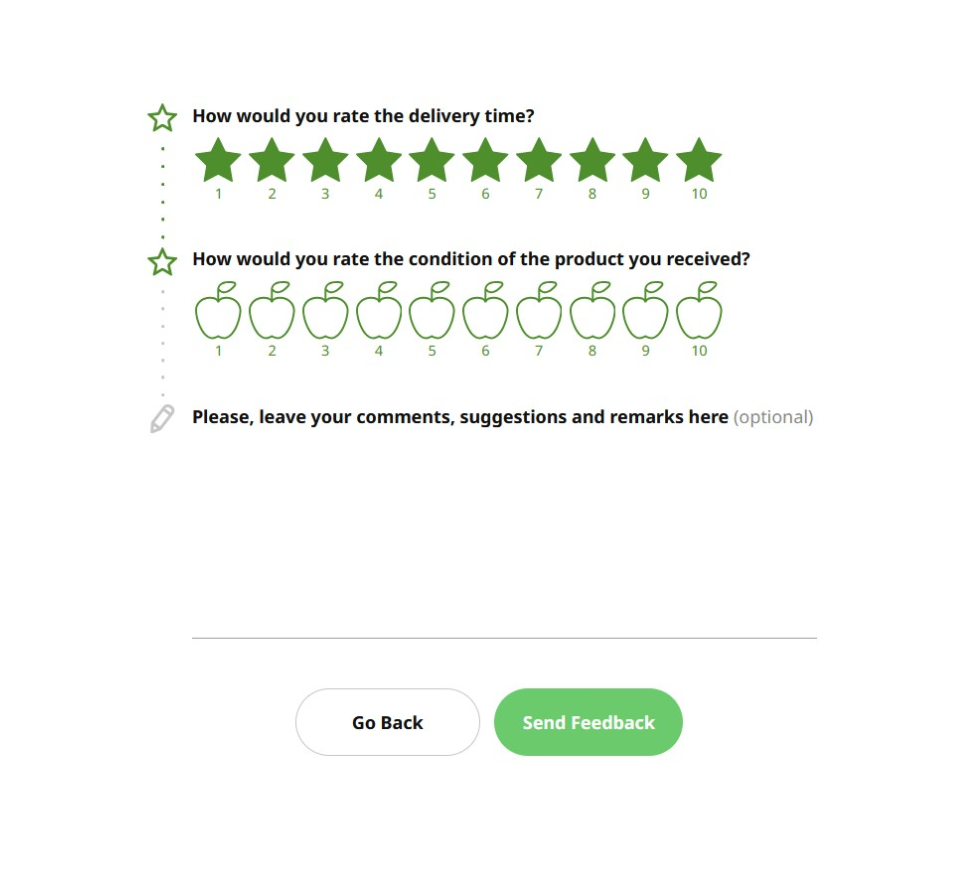
Customer feedback forms
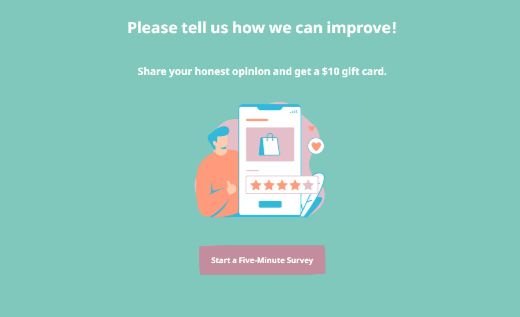
Customer feedback surveys help you understand how people experience your product, service, or support. They’re designed to be quick to complete, using simple ratings and short questions, with optional comments for added context.
These templates work well for post-purchase, support, or service feedback and can be easily customized to match your brand and the level of detail you need.
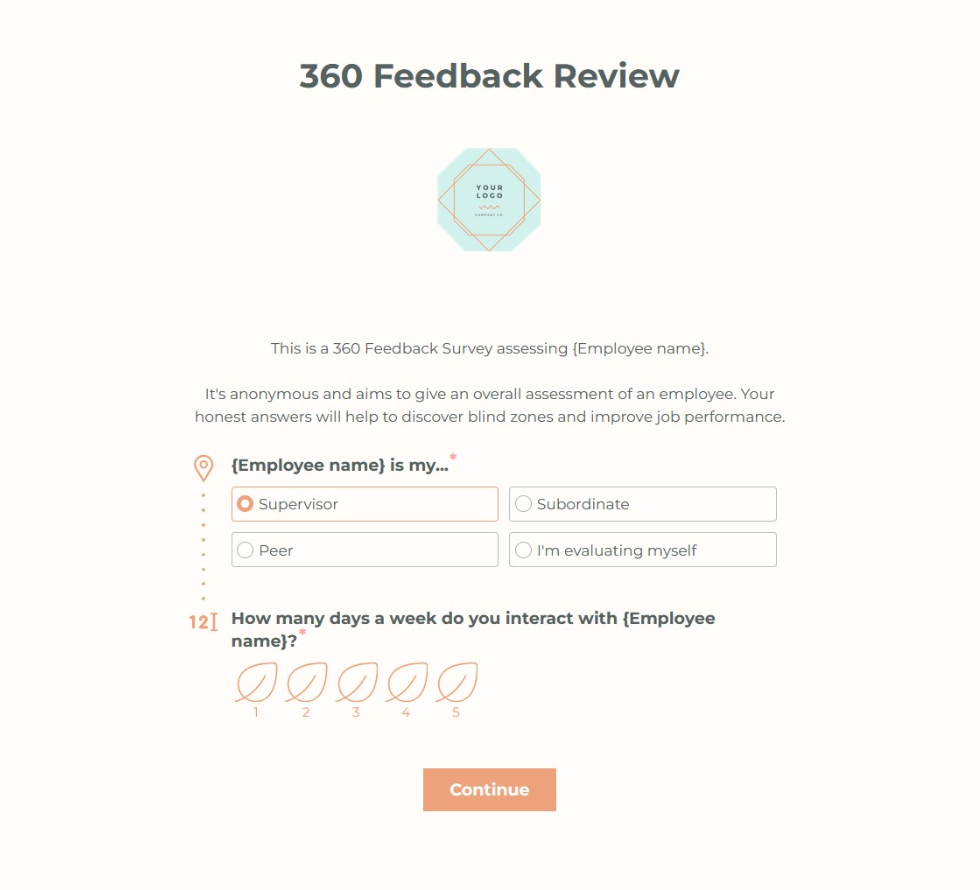
Employee feedback forms
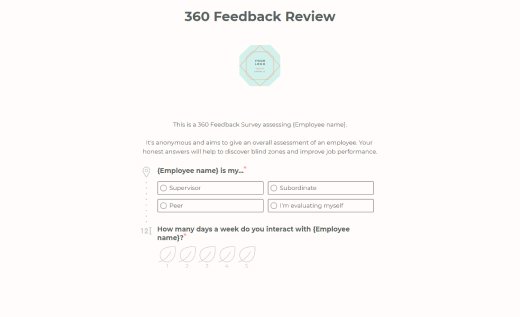
Employee feedback survey forms help teams listen to employees about everyday work, training, and the overall workplace experience. A clear, neutral structure encourages honest responses and makes it easier to spot patterns without putting pressure on respondents.
These templates are well suited for internal check-ins, performance-related feedback, and training follow-ups.
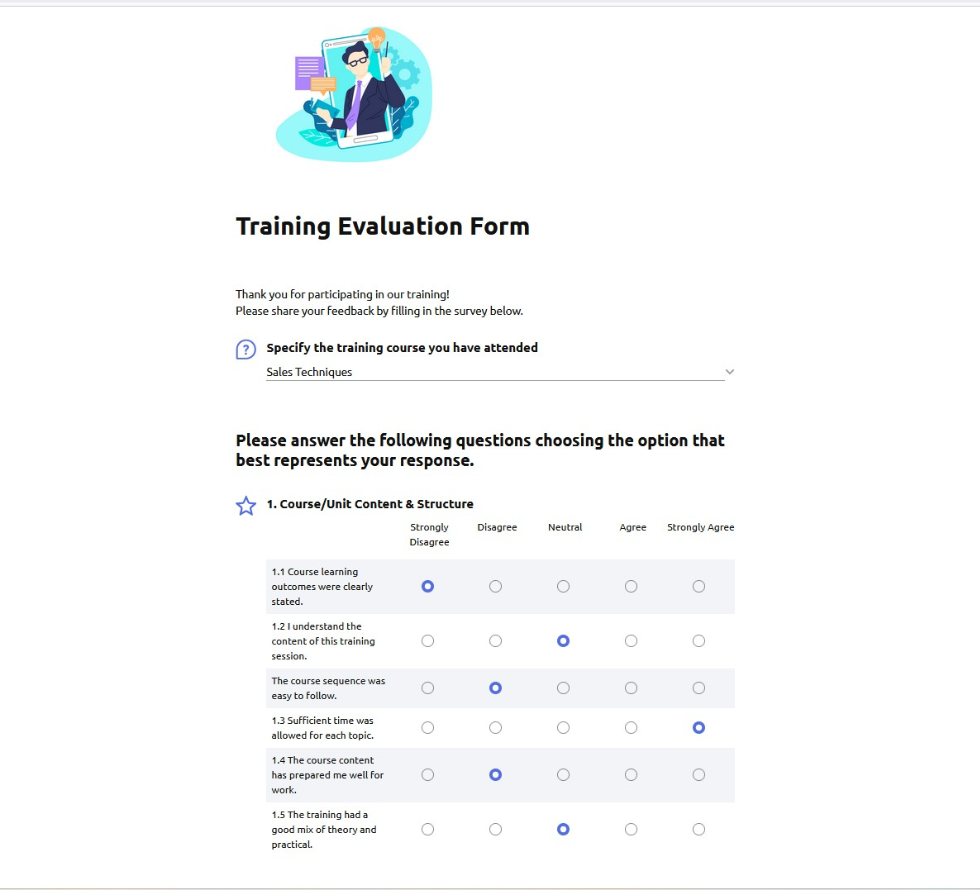
Training & workshop feedback forms
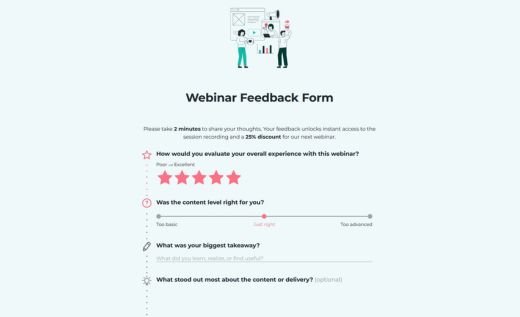
Training and workshop feedback forms capture impressions soon after a session, when participants still remember what worked well and what could be improved. Short, focused questions help you understand how content, delivery, and format were received.
These templates are useful for courses, onboarding sessions, internal training, and external workshops, and can be easily adjusted to match the depth of feedback you’re looking for.
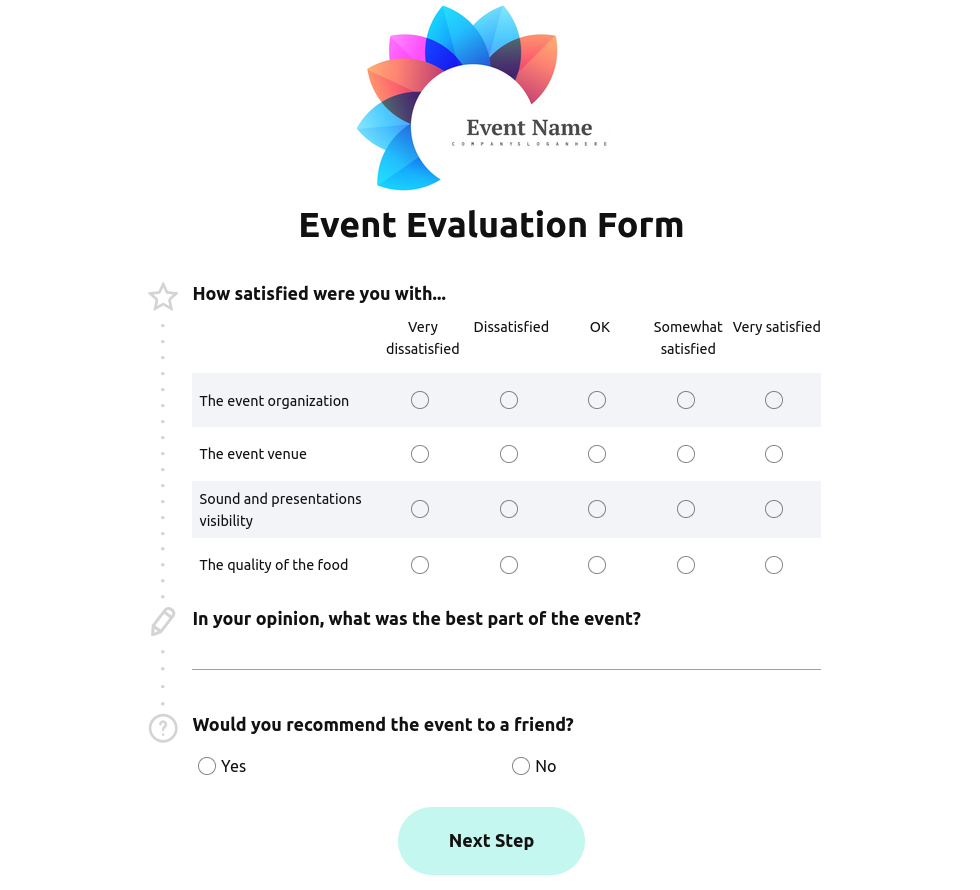
Event feedback forms
Event feedback forms help you review the overall experience — from organization and content to logistics — without asking attendees to complete a long survey. The goal is to gather clear signals while the event is still fresh in mind.
These templates work well for conferences, meetups, webinars, and internal events, and make it easy to collect both quick ratings and short comments in one simple flow.

Website & product feedback forms
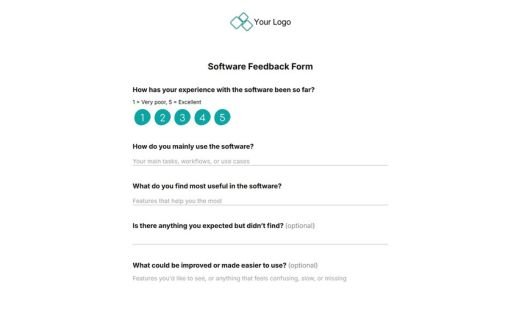
Website and product feedback forms focus on how users experience specific pages, features, or interactions. They’re often embedded directly into a site or interface, making it easy to collect feedback without interrupting the user journey.
These templates are useful for usability checks, feature validation, and ongoing product improvement, helping you understand what works and where users get stuck.
How to create feedback forms with AidaForm
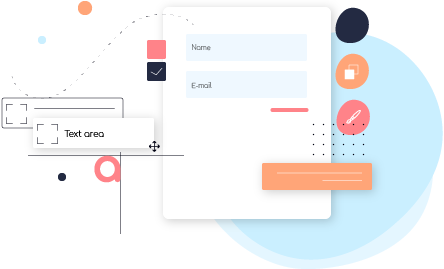
Create your feedback form
Start with a blank form or choose a template, then add questions using simple drag-and-drop tools. Use different question types and response options depending on what you want to review or understand.
The structure of the form is fully customizable. You can organize questions into clear sections using page breaks, show or hide fields based on previous answers, and include consent fields to request permission for follow-up questions or future contact.
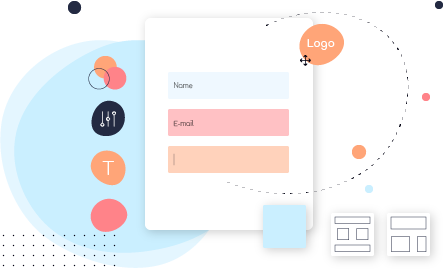
Adjust the design and layout
Customize the form to reflect your brand and make it feel trustworthy and familiar to respondents. Choose from a set of GDPR-compliant fonts, adjust colors, customize buttons, and add a progress bar to show how much of the form is left.
A clear, well-designed layout helps forms look professional and reassures people that their responses are being collected in a reliable, legitimate way.

Share the form and collect responses
Once your form is ready, publish it and share it in the way that fits your workflow. You can use a generated form URL link and connect it to a feedback button on your website, which is the quickest and simplest option. If you prefer the form to appear directly on the page, you can also use the ready-generated embed code to insert the full form into your website.
You can also share the form by email or on social media. All responses are collected in one place in your AidaForm account, regardless of how the form is shared.

Manage responses and analyze data
As responses come in, you can review them in one place in the Results section of your AidaForm account and quickly spot patterns, such as average ratings or frequently chosen options. This makes it easier to understand how people responded without digging through individual entries.
When you need a closer look, you can export responses to Excel, Google Sheets or other apps and use the data to support follow-up actions, adjustments, or improvements.
What makes AidaForm an essential feedback form maker
Anonymous by design
Feedback forms in AidaForm are anonymous by default. No respondent data is collected unless you intentionally add fields for it. This makes feedback forms anonymous by design and gives you full control over what data is requested.
GDPR-compliant data collection
AidaForm supports responsible data collection practices, including consent fields and GDPR-aligned handling of submitted responses, so you can collect feedback with confidence.
Essential feedback form fields
Choose from rating scales, sliders, matrix questions, multiple-choice options, open text, and even audio or video responses to capture different types of feedback in a format that fits your goal.
Flexible question logic
Keep forms short and relevant by showing or hiding questions based on previous answers. This helps you collect better input without overwhelming respondents.
Unlimited forms and fields
Create as many feedback forms as you need and add unlimited fields — even on the free plan — so you can experiment, iterate, and grow without restrictions.
Response summary at a glance
Review feedback in a clear response summary that highlights average ratings and response distribution, making it easy to spot patterns and trends quickly.
Best practices for creating feedback forms that people complete
Acknowledge the value of people’s time
Be clear about why you’re asking for feedback and how the responses will be used. Keep forms focused, ask only what you truly need, and follow up with visible improvements when possible. Showing that you respect respondents’ time makes them more willing to answer thoughtfully and participate again. Read more about the results of scientific research on factors that impact survey conversion rates.
Prefer multiple-choice questions over long text fields
Selecting an option takes less effort than writing a detailed response. Use multiple-choice questions, ratings, or sliders wherever possible, and reserve open text fields for optional comments or clarification.
Limit required fields
Only make questions mandatory when the answer is essential. Too many required fields increase friction and make people more likely to abandon the form before finishing it.
Set clear expectations about length
Let respondents know roughly how many questions they’ll see or how long the form takes to complete. Clear expectations help people decide when they can respond and reduce drop-offs partway through.
Offer a small incentive when appropriate
For external feedback, a small incentive — such as a discount, voucher, or entry into a draw — can encourage completion. Incentives work best when they’re simple and proportional to the effort required.