Customer satisfaction surveys you can create with AidaForm
A customer satisfaction survey is a short set of questions designed to capture how people evaluate a product, service, or specific interaction with your company. It reveals strengths, uncover friction points, and helps understand how customers experience products and services.
AidaForm offers templates for the most widely used customer satisfaction metrics as well as surveys designed for specific interactions with your customers.
Surveys based on standard customer satisfaction metrics
Many organizations use widely recognized satisfaction metrics to monitor customer loyalty, perceived quality, and ease of interaction over time. Because these surveys follow standardized methods, companies can compare results across different time periods and observe shifts in customer sentiment.
Use AidaForm templates to create surveys based on the most widely used satisfaction metrics:
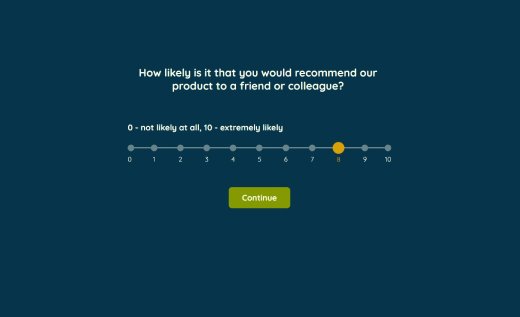
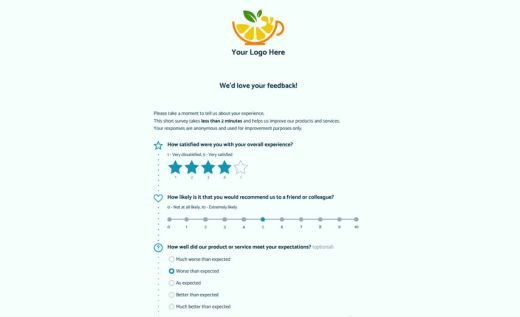
Use Net Promoter Score (NPS) survey template to assess customer loyalty by asking how likely respondents are to recommend your company to others.
Use Customer Satisfaction Score (CSAT) survey template to assess how satisfied customers feel after a particular product experience, service interaction, or purchase.
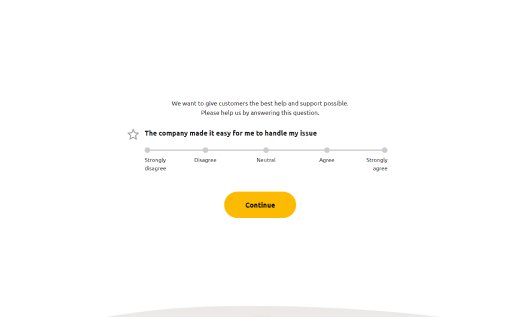
Use Customer Effort Score (CES) survey template to measure how easy it was for customers to accomplish a task such as resolving a problem, placing an order, or completing a request.
Customer satisfaction survey examples for industries and use-cases
In addition to standardized metrics, businesses often measure satisfaction at specific moments of the customer journey. These surveys help you understand how customers experience individual interactions with your company.
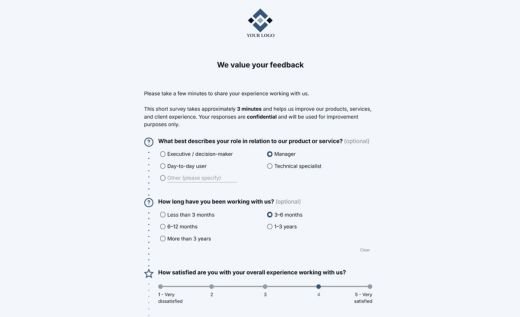
Use the examples to create any type of customer satisfaction surveys:
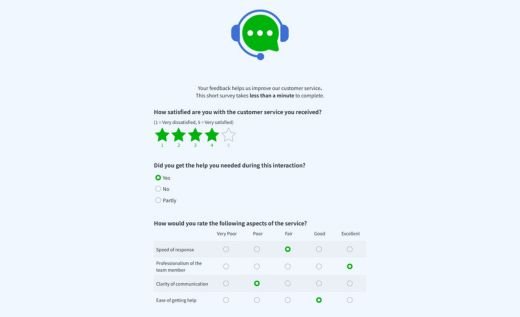
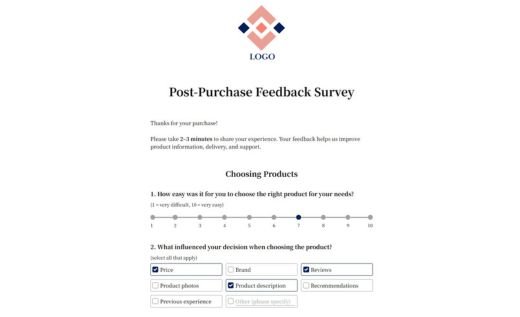

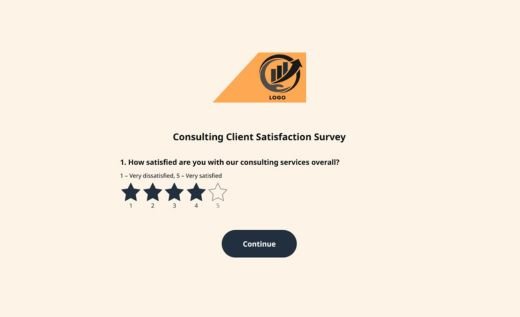
Why build your customer satisfaction survey in AidaForm
AidaForm allows teams to design professional customer satisfaction surveys quickly without needing technical skills. Flexible form tools, secure response storage, and built-in analytics help you collect responses and interpret the results without additional software.
Measure satisfaction with industry-standard metrics
Track customer loyalty, satisfaction, and effort using ready-made NPS, CSAT, and CES fields — the most widely used customer experience metrics.
Ask the right questions
Use rating scales, matrices, multiple-choice questions, and open text fields to capture both quick satisfaction scores and detailed customer feedback. Use the customer satisfaction questions to quickly create your custom survey.
Keep surveys relevant with conditional logic
Show follow-up questions based on previous answers and keep each survey short and personalized.
Collect and store survey responses securely
Gather customer feedback while meeting GDPR data protection requirements and keeping response data protected.
See satisfaction scores instantly
Let AidaForm automatically calculate CES and CSAT scores so you can immediately understand how satisfied your customers are.
Discover insights with AI (coming soon)
AI-powered analysis will soon help identify patterns in responses and highlight the most important insights in your survey results.
How to create a customer satisfaction survey in AidaForm (4-step guide)
If you’re wondering how to create a customer satisfaction survey, the process is simpler than it may seem. With AidaForm online survey maker, you can design, publish, and review a professional survey in only a few steps.
Follow this step-by-step guide to make your own customer satisfaction survey.
Create your customer satisfaction survey
Start by drafting the structure of your survey. The easiest way is to select one of AidaForm’s ready-made survey templates, which provides a practical starting point.
In the drag-and-drop builder you can refine the survey structure — add new questions, remove unnecessary fields, and organize the form to fit your objectives.
AidaForm includes multiple question formats — rating scales, multiple-choice options, and open text fields — so you can collect both structured ratings and detailed comments.
Customize the survey design
Once the questions are ready, personalize the appearance of your survey.
Add your logo, apply brand colors, and choose a layout that fits your audience. AidaForm allows you to create either a conversational Typeform-like survey experience or a classic questionnaire format.
A well-designed survey increases engagement and encourages more customers to complete it.

Publish and share your survey
When your survey is ready, publish it with a single click.
AidaForm generates a direct survey link that you can share through email campaigns, websites, or social media. You can also embed the survey directly into a webpage using the provided embed code.
Responses are collected automatically and appear in real time in your AidaForm dashboard.

Review and analyze customer responses
Once responses begin to arrive, you can review them in AidaForm’s Response Summary dashboard.
The dashboard automatically calculates key indicators such as averages and distributions, helping you quickly understand customer sentiment. You can also filter responses or export the data to Excel or Google Sheets for deeper analysis.
These insights help you identify improvement opportunities and make informed decisions about your products or services.
Common mistakes in customer satisfaction surveys
Even carefully designed surveys can produce misleading conclusions when small methodological mistakes go unnoticed. The following issues are common in customer satisfaction questionnaires and can significantly affect the quality of the results.
Mixing relationship and transactional questions in one survey
A survey that asks about both a recent interaction and overall brand perception often produces confusing results. Transactional surveys should focus on a specific event (purchase, support interaction), while relationship surveys measure long-term satisfaction.
Overusing rating scales without context
Numeric ratings such as CSAT or NPS provide a quick performance signal, but they rarely explain why customers gave a particular score. Without at least one open-ended follow-up question, important insights may remain hidden.
Asking questions customers cannot reasonably answer
Customers can evaluate their own experience, but they cannot accurately judge internal processes, pricing strategy, or product roadmaps. Questions that require speculation often produce unreliable responses.
Survey methodology research shows that unclear or unrealistic questions can introduce measurement errors and distort results.
Changing survey structure too frequently
If the questions, scales, or wording change every few weeks, it becomes difficult to compare results over time. Consistency is important for identifying trends and measuring improvements.
Treating every response as equally representative
Survey results can be skewed when only extremely satisfied or dissatisfied customers respond. Analyzing response patterns and comparing them with customer segments helps avoid misleading conclusions.
How to use customer satisfaction survey results
Once responses start coming in, the next step is turning feedback into meaningful insights. Identifying recurring themes, analyzing feedback by customer segments, and tracking trends over time helps reveal where improvements are needed most.